Samzeedeals
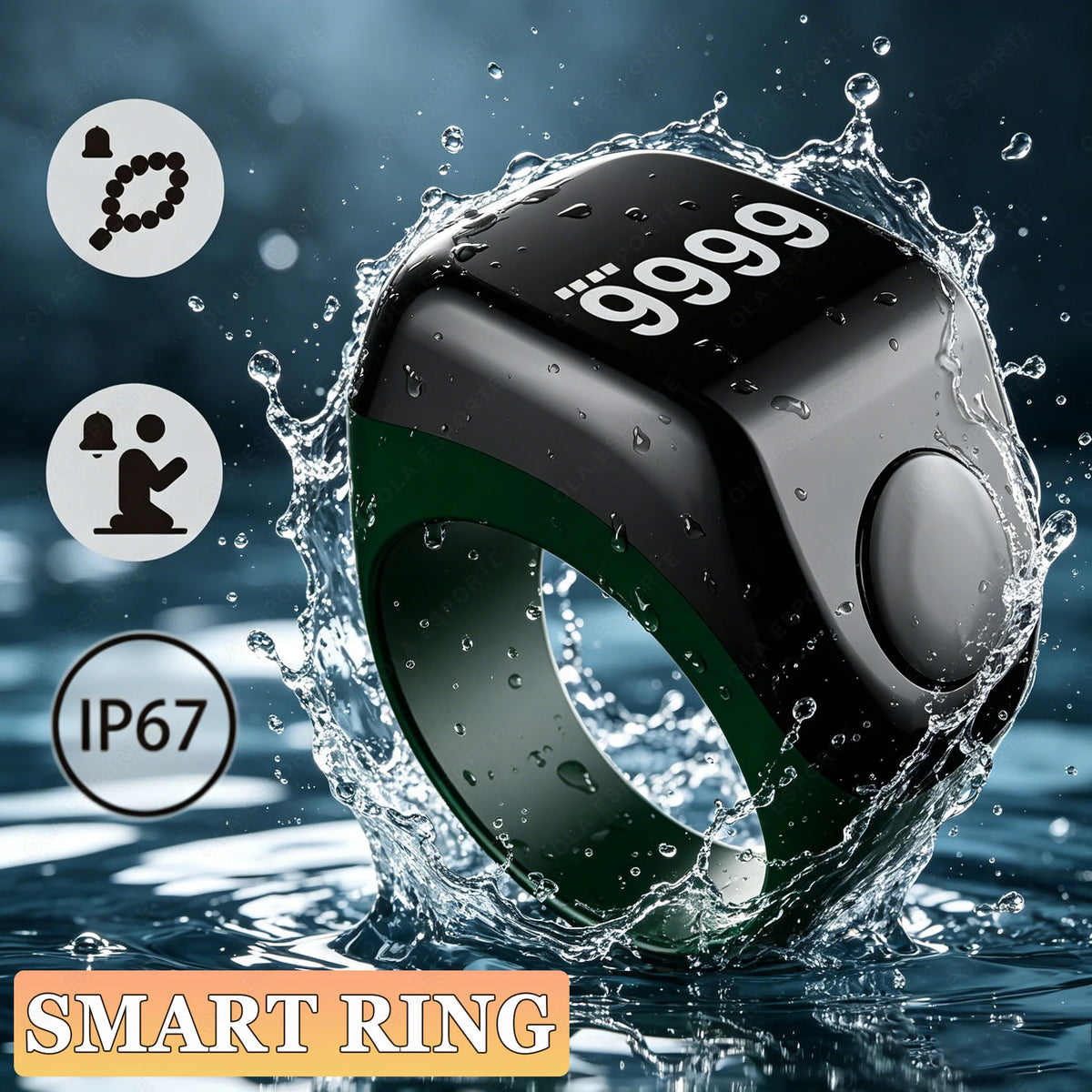
Smart APP Ring Counter Portable Digital Display Counter Bluetooth Counting Ring Time Reminder Wearable Tasbih Zikr Ring R12
Smart APP Ring Counter Portable Digital Display Counter Bluetooth Counting Ring Time Reminder Wearable Tasbih Zikr Ring R12
Couldn't load pickup availability
📿 Rosary Counter 1 - Basic Functions
🔘 Chanting Count
After the screen turns on, press the device button briefly to count the chants.
F3RING will vibrate once when the count reaches 33, 66, 99, 100.
You can also customize the vibration frequency in the APP (such as setting it to vibrate at 20, 40, and 60 times).
🔄 Recount
Press and hold the button for 3 seconds and the counter will reset to zero and start counting again.
At the same time, the record of this chanting is automatically saved (the historical Tasbih count is retained in the APP).
☁️ Sync data
Open the APP and connect to F3RING, the like count data will be automatically synchronized to the APP.
After each operation (counting, reset), the device will automatically try to synchronize to ensure that records are not lost.